If you are searching for google pixel watch 3 product info and reviews, you probably want more than a list of sensors. You want to know whether this watch is comfortable at night, dependable on a run, and useful after the novelty wears off. I wore the Pixel Watch 3 through ordinary workdays, easy runs, interval sessions, sleep, and family life to separate helpful information from wrist-based noise.
The short version is encouraging. Google has made its best smartwatch yet for Android users who value a clean interface, Fitbit health tools, and strong phone integration. It is not the obvious choice for a serious ultramarathoner, and the smaller battery still demands more planning than a Garmin. But for a person who wants one polished watch for messages, training, and sleep tracking, it is a capable package.
Google Pixel Watch 3 sizes, design, and daily comfort
The Pixel Watch 3 comes in 41mm and 45mm case sizes. The larger version is the one I prefer for running because its display is easier to read while moving, and its battery has more breathing room. The 41mm model is less conspicuous on a smaller wrist and remains the better choice if you sleep with your watch every night. Both use a rounded design, a bright AMOLED display, and interchangeable bands.
The screen is a genuine strength. Text is sharp, colors are rich, and outdoor visibility is good when brightness is allowed to rise. Google also uses a variable refresh rate that can make menus feel fluid without constantly running at the highest power draw. The watch feels more like a small phone companion than a plastic fitness computer, which helps it transition from a morning run to a work meeting.
Comfort matters more than specifications. The watch is light enough that I stopped noticing it during sleep after a few nights, although the raised crown and curved case can press into the hand during push-ups. The sport band handles sweat well, but it takes a little longer to dry than a woven strap. Google includes a proprietary charging system, so you cannot replace it with a generic Qi pad.
Fitness tracking and running performance
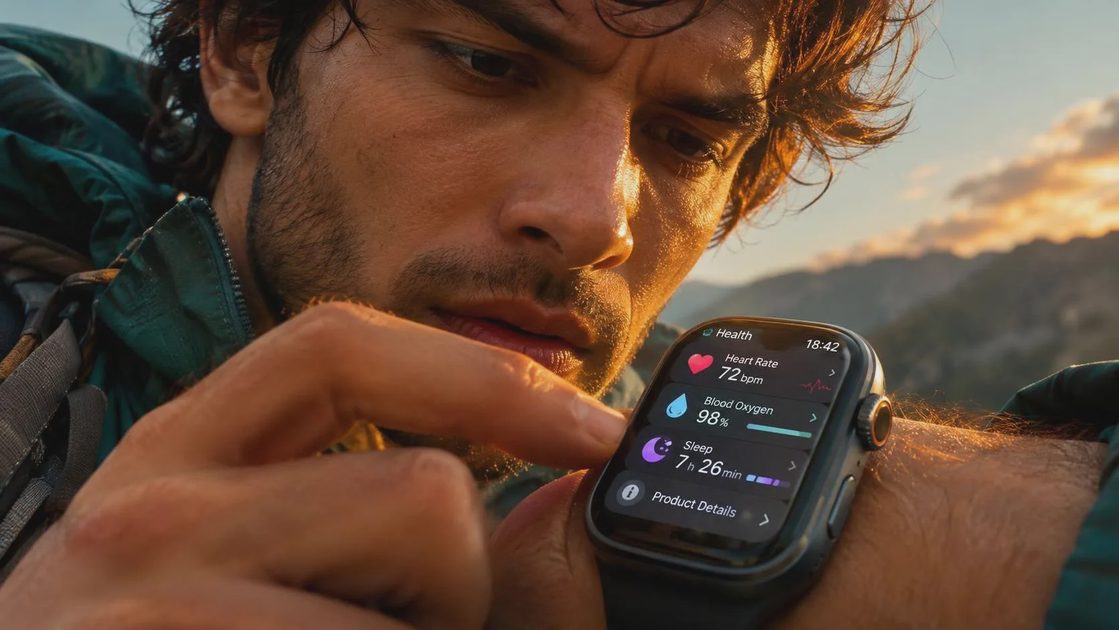
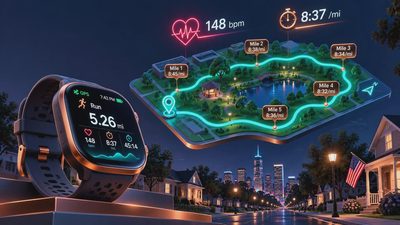
The running experience is much improved over earlier Pixel Watch models. Google added better running tools, including structured workouts, customizable displays, and guidance designed to help you manage pace. The watch can show cadence, heart rate, pace, and distance without burying the basics under layers of menus. For an everyday runner, that is the right priority.
GPS performance was generally solid in open areas and acceptable under moderate tree cover. Dense downtown streets and narrow trails still produced occasional distance oddities, which is normal for a small wrist device. The 45mm model supports dual-frequency GPS, a useful advantage when satellite signals bounce off buildings or heavy terrain. I would still use a Garmin Forerunner for ultra-distance navigation, breadcrumb routes, or several days away from a charger.
Heart-rate readings were most useful during steady runs and recovery sessions. Quick intervals exposed the usual wrist-sensor problem: the number can lag behind your actual effort for part of a hard repetition. A snug fit, worn slightly above the wrist bone, helps. I use the watch to spot patterns, not to declare that a single 178 reading means anything dramatic. Trust the trend, not the reading.
Sleep, readiness, and health features
Sleep tracking is one of the Pixel Watch 3's strongest reasons to exist. It records sleep stages, duration, heart rate, breathing-related signals, and other overnight information through Fitbit. The reports are readable rather than overloaded. You can see when bedtime slipped, whether sleep was fragmented, and how those changes line up with your energy the next day.
google pixel watch 3 product info and reviews often focus on the health features, including ECG capability, irregular heart rhythm notifications, skin temperature trends, and blood oxygen-related functions. Availability depends on region and regulatory approval, and these tools are not diagnoses. An ECG can provide a useful recording when used as directed, but it cannot replace a clinical evaluation. A sleep score is a prompt to examine your habits, not a verdict on your health.
The readiness-style guidance can be helpful when it changes behavior. If poor sleep, a late meal, and a hard workout combine to leave you flat, an easier run is sensible. If the score says you are ready but your legs feel heavy, listen to your body. In cardiac rehab, I saw people become anxious when a device disagreed with how they felt. The watch should support judgment, not overrule it.
Battery life, charging, and phone compatibility
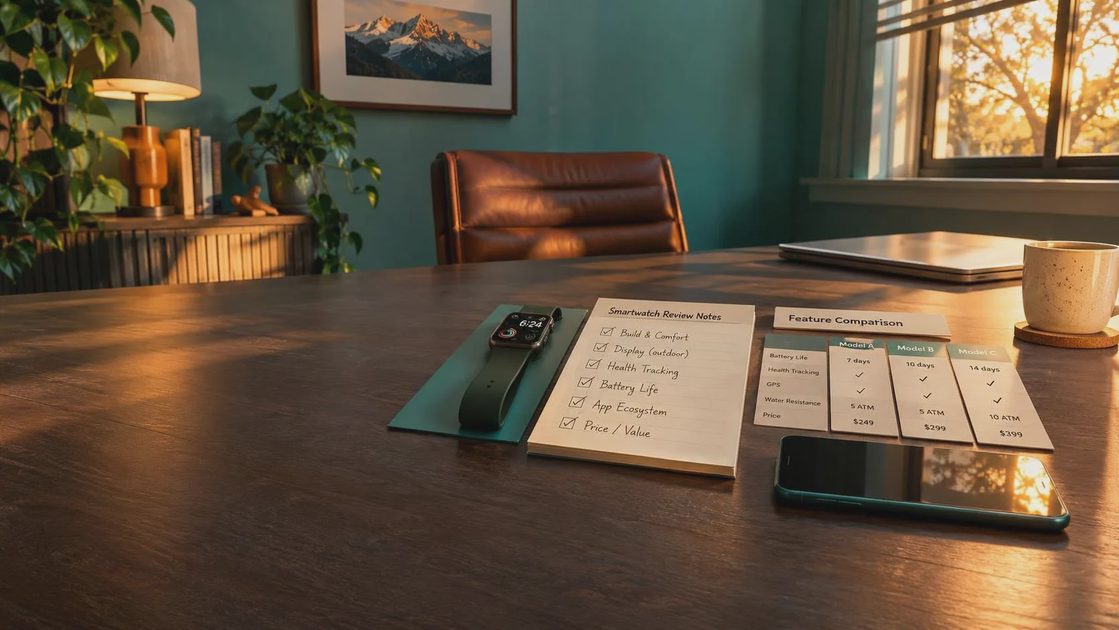
Google rates the Pixel Watch 3 for up to 24 hours with the always-on display, while battery saver mode can extend use to roughly 36 hours. Real use depends on GPS time, screen brightness, notifications, LTE, and sleep tracking. I could usually complete a workday, an evening walk, and overnight tracking, but long GPS sessions made the next morning's charge more important.
That charging rhythm is the main compromise. A Garmin Venu 3 or Forerunner typically offers more days between charges, while an Apple Watch user will recognize the Pixel's daily routine. The Pixel Watch 3 works with Android phones, but it does not support iPhone pairing. Some features also require a Fitbit account, and LTE service requires a compatible carrier plan.
Google's software is clean and responsive. Notifications are easy to manage, Google Maps is useful for walking directions, and Google Assistant can handle basic commands. Fitbit Premium adds deeper content and some analysis after an included trial, so factor that recurring cost into the price rather than treating every feature as permanently included.
How it compares with Garmin, Apple Watch, and Fitbit
google pixel watch 3 product info and reviews should be read with the buyer's phone and priorities in mind. Compared with a Garmin Forerunner 265, the Pixel is more attractive for messages, apps, voice controls, and a compact smartwatch experience. Garmin wins for battery life, training depth, recovery history, and race-focused planning.
Compared with an Apple Watch Series 9 or Series 10, the Pixel is the natural Android alternative. Apple offers a mature app ecosystem and strong iPhone integration, while Google gives Android owners a similarly smooth relationship with their phone. The choice is mostly decided before you compare watch faces: iPhone users should look elsewhere.
A Fitbit Charge 6 costs less and is easier to wear continuously, especially if you mainly want steps, sleep, and heart-rate trends. It does not deliver the Pixel Watch's richer screen, onboard apps, or full smartwatch feel. The Pixel makes sense when those conveniences matter enough to justify a higher price and more frequent charging.
Who should buy the Pixel Watch 3?
For google pixel watch 3 product info and reviews, my recommendation is straightforward. Buy it if you use an Android phone, want a polished daily smartwatch, and care about sleep and general fitness without needing expedition-level battery life. The 45mm version is the better all-around choice for medium or large wrists and runners who want readable data. The 41mm version is more comfortable for smaller wrists and sleep-focused buyers.
Skip it if your main goal is marathon training, multi-day hiking, or detailed navigation without charging. A Garmin is the more practical tool there. Also skip the upgrade if your current Pixel Watch still handles notifications, sleep, and workouts well; a newer screen and additional metrics are not automatically better coaching.
If you decide to buy, set up only the notifications you genuinely need, wear it consistently for two weeks, and compare its trends with how you feel. Start with sleep duration, resting heart rate, and workout consistency rather than chasing every score. That is where google pixel watch 3 product info and reviews becomes useful: not in a specification race, but in deciding whether the watch helps you make one better choice tomorrow.


No letters yet — pray write the first.