If you are shopping for a battery life smartwatch, the first thing to understand is that the number on the box is not the number you live with. Real runtime changes when you turn on always-on display, sleep tracking, GPS workouts, and a bright screen. After weeks of wearing different watches, I have found that the best battery story is not the longest spec sheet. It is the watch that still has enough charge left when you actually need it, on a work day, a long run, or a weekend away with one charger in your bag.
Why battery life smartwatch numbers vary so much
A battery life smartwatch can look strong in a review and still feel disappointing at home. The reason is simple: the test bench is controlled, but your wrist is not. If you use cellular on an Apple Watch, track outdoor runs with GPS, stream music, or leave the backlight high in winter, the drain jumps fast. Cold weather can shave runtime too, especially on older cells. I see the biggest gap when a person buys the watch for sleep tracking and then leaves every sensor running all day and all night.
What matters more than the headline number is the mix of features you use most. Garmin, Coros, and Amazfit usually stretch farther because they lean hard on efficiency and simpler screens. Apple Watch and Samsung Galaxy Watch usually give you more app polish, but they ask for more charging. Neither approach is wrong. A runner who wants a week between charges has different needs than a commuter who wants a tiny phone on the wrist. Trust the trend, not the reading.
The features that drain power fastest
GPS is the biggest hog for most people, especially when you use it on every run or bike ride. Music playback, LTE, and constant notifications add more bite. Always-on display is another one. It is convenient, but it keeps the screen awake and that costs battery. On some models, wrist-raise wake is a good compromise because the display sleeps until you need it.
Health tracking can matter too. Continuous heart-rate is usually a modest drain, but oxygen saturation checks, skin temperature sensing, and high-frequency sleep metrics all take a bite out of runtime. If a watch promises all the bells and whistles and then asks you to run every sensor at maximum, the spec becomes less useful. I usually tell runners to ask one question: which data do I actually use every day, and which data just feels nice to have?
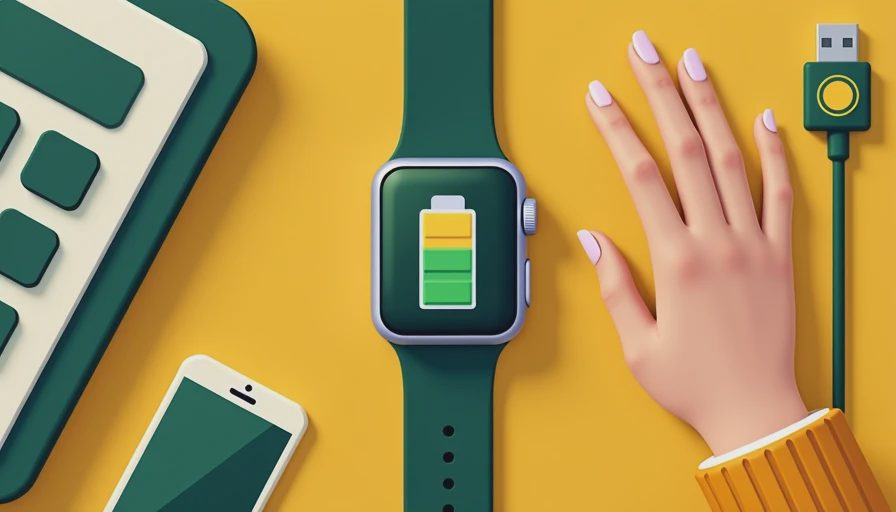
How I test real-world battery claims
When I wear a watch for several weeks, I do not baby it. I use it the way a normal person would: morning notifications, at least a few workouts each week, sleep tracking on most nights, and a mix of indoor and outdoor use. That tells me far more than a lab-style number. A watch that claims ten days and lands at six with my routine is still good. A watch that claims two days and lands at one is not a surprise; it is a reality check.
I also pay attention to recharge behavior. Does the watch bounce back quickly after a 20-minute top-off, or does it sit on the charger for an hour before it becomes useful again? Fast refill matters more than people expect. If I can plug in while making coffee and leave with enough power for a full workday, the watch feels easier to own even if the battery is not huge.
Settings that improve battery life smartwatch performance
The easiest win is the screen. Lower brightness one notch, shorten the timeout, and turn off always-on display unless you truly want it. Next, trim notifications. Most people do not need every app pinging their wrist. I keep calls, texts, calendar alerts, and a handful of apps, then silence the rest. That alone can make a watch feel calmer and last longer.
Then look at workout habits. Use built-in GPS only when you need it, and avoid music storage if you already run with your phone. If your watch lets you choose power modes, use them on travel days or long weekends. Garmin does this well with battery saver profiles, and even Apple Watch users can improve things by not treating the watch like a spare phone. A battery life smartwatch should fit your routine, not force you to babysit the charger.
What a realistic charging routine looks like
The best charging plan is boring. It is also what keeps the watch useful. I tell people to charge while they shower, during desk time, or before bed if they are not using sleep tracking. If you track sleep, the cleanest habit is a top-off after your morning routine and another quick boost before dinner on heavy-use days. That works especially well for models that last only a day or two.
For longer-lasting watches, a two- or three-day rhythm works better. A Garmin user might plug in on Sunday night and again on Thursday. A watch with a bigger battery can stretch longer, but the idea is the same: build the charge into a habit you already have. When charging becomes part of the routine, the watch stops feeling fragile and starts feeling practical.

When shorter battery is the better tradeoff
Sometimes the right answer is not a bigger battery. If you care most about fast app access, a sharp display, and strong integration with your phone, an Apple Watch or Samsung Galaxy Watch can still be the better buy even if you charge it more often. If you are deep into training and want multi-day GPS, then Garmin or Coros often make more sense. That is not brand worship. It is matching the tool to the job.
Price matters too. You can spend around $250 to $450 and still get very good fitness tracking. You do not need the highest-end model just to read heart rate, see texts, or log runs. In my own wear tests, the watches that win are the ones that make me forget about battery anxiety. If you keep hunting for a battery life smartwatch that does everything and never plugs in, you will probably end up paying more for compromises you do not like.
A quick buying checklist before you click buy
Before you buy, compare the battery spec against your actual week. Ask whether you run with GPS three times a week, sleep with the watch on, and care about always-on display. If the answer is yes to all three, assume real-world runtime will be much lower than the marketing number. Then look at charging speed. A watch that gets from empty to usable in 30 to 45 minutes is often easier to live with than one that lasts longer but takes forever to refill.
Also think about the charger itself. Proprietary cables are fine if you keep one at home and one in your bag. USB-C charging is nicer when a brand offers it. If you travel often, the convenience can matter more than a few extra hours of battery. My blunt rule is simple: buy the watch you will wear, then build the routine around it. That is how a battery life smartwatch becomes a tool instead of a daily annoyance. Trust the trend, not the reading.



No letters yet — pray write the first.